
Open, shut and lock doors
In StoryDraft a door is more than a picture on the map: a shut door stops light, sight and feet. That is why you open, shut and lock doors in the Light tool, beside the walls and windows, even on a map you haven’t lit.
Where the doors come from
Section titled “Where the doors come from”Rooms bring their doors: a room you build in Build › Rooms, a ready-made room and a generated dungeon already have theirs. To put another one in a wall, pick Door in Rooms and tap the wall.
Open, shut or lock a door
Section titled “Open, shut or lock a door”-
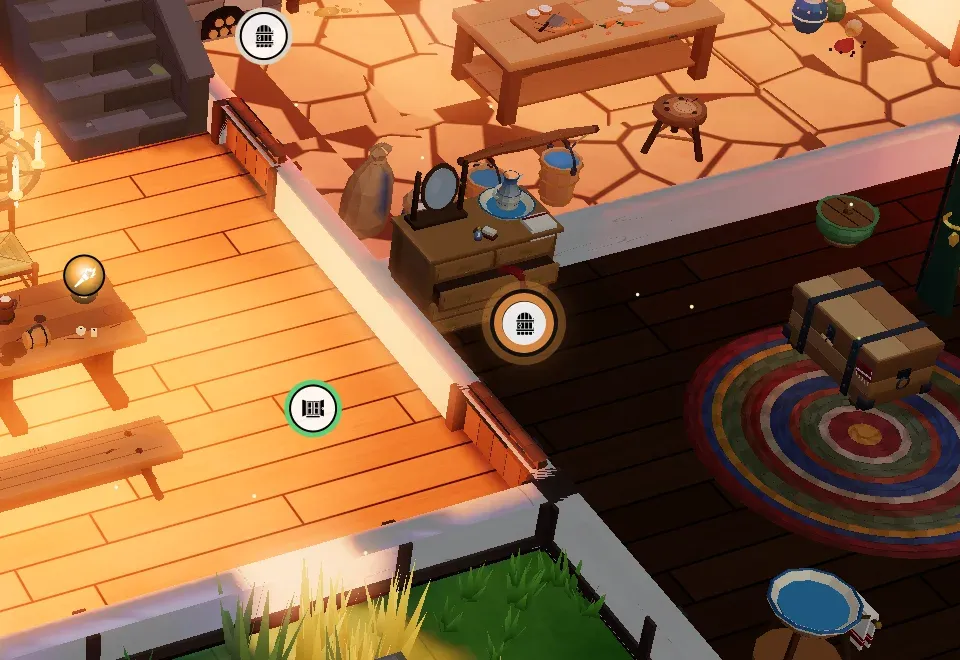
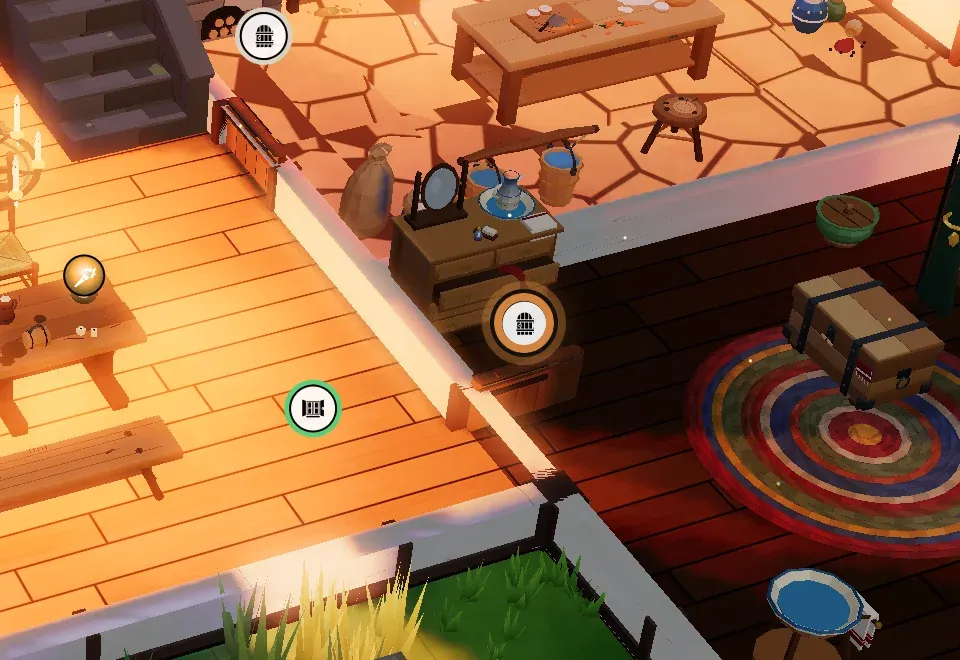
Pick Light in the tools. An icon shows over every door and window of the map.
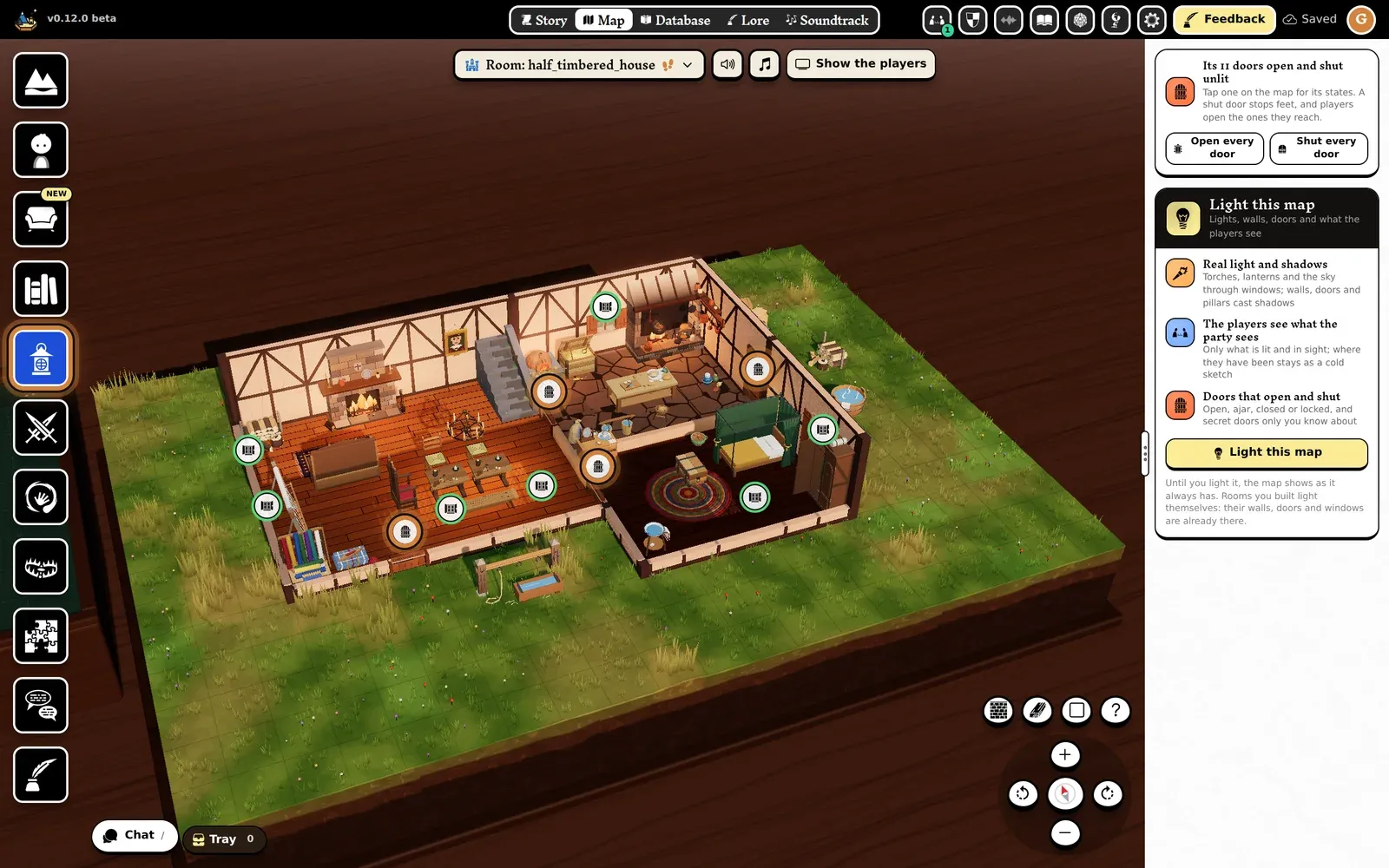
The Light tool (left) and an icon over each door. -
Tap a door’s icon. Its card opens at the bottom of the map.
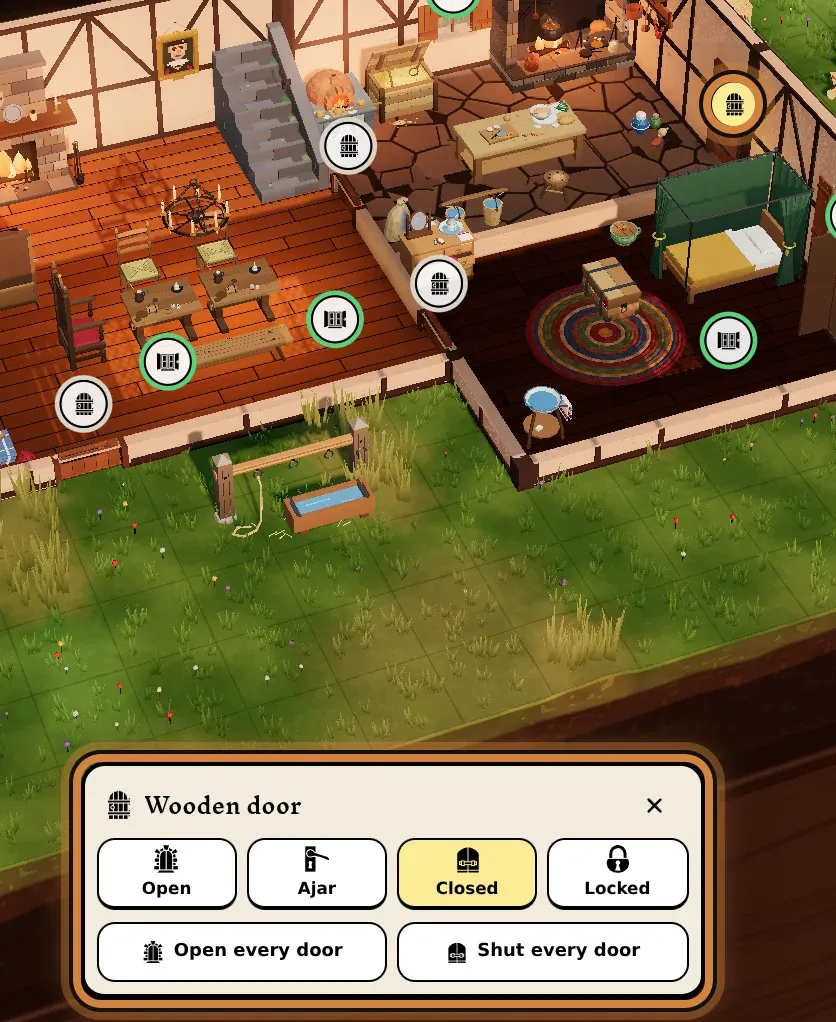
-
Tap a state: Open, Ajar, Closed or Locked. The door swings on the map.
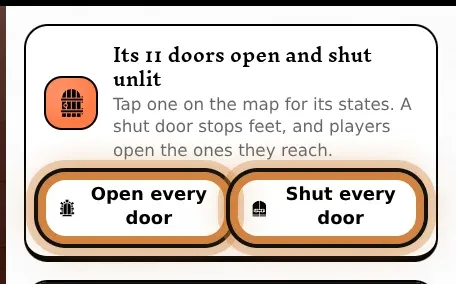
To open or shut every door at once, press Open every door or Shut every door in the Light tool’s panel. A locked door stays locked.
Light the map
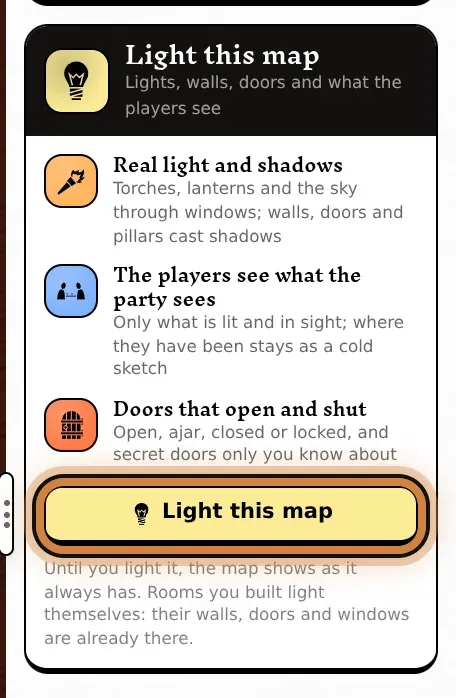
Section titled “Light the map”Until you light it, a map shows as it always has, and its doors open and shut all the same. Press Light this map in the Light tool’s panel and it gets the rest:
- Real light and shadows: torches, lanterns and the sky through windows; walls, doors and pillars cast shadows.
- The players see what the party sees: only what is lit and in sight.
- A shut door stops the light: the room behind it stays dark until someone opens it.
The doors keep the states you gave them. On a lit map, a door’s card also holds its name: tap the name to change it. Traps and puzzles find a door by its name.
What the players do
Section titled “What the players do”At the table, a player sees a door’s icon once their character stands by it, and taps it to open or shut it. A shut door stops them walking through.
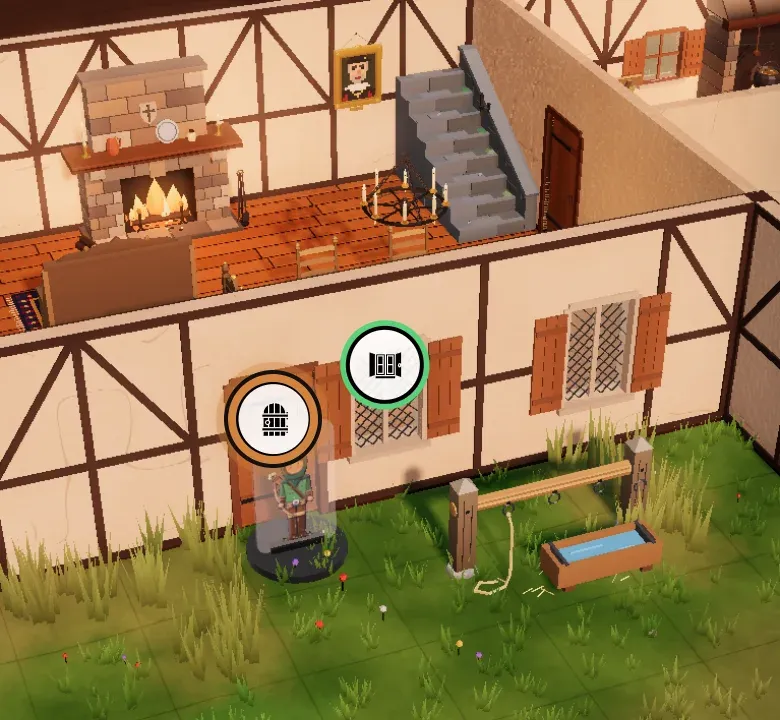
- Their character has to stand next to the door, with nothing in the way: from farther off, the icon doesn’t show.
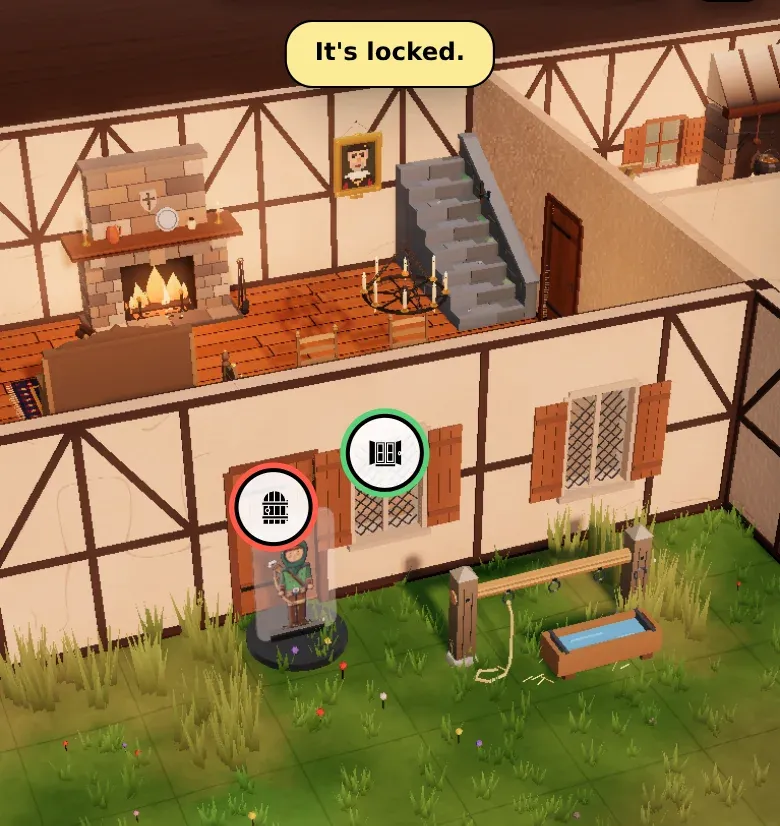
- A locked door doesn’t move for them: its icon turns red and they read It’s locked. Only you unlock it, by giving it another state.
- In a battle, they open doors on their turn.
You can open, shut and lock any door at any time, wherever the characters are.